The best fancy cafe AI video generators, compared
Fancy cafe meme generators compared: what to look for in a First Time in a Fancy Cafe AI video maker, how many photos each tool takes, what they do, and when a general AI video app makes sense.
By Your First Time in a Fancy Cafe AI · Updated · 5 min read
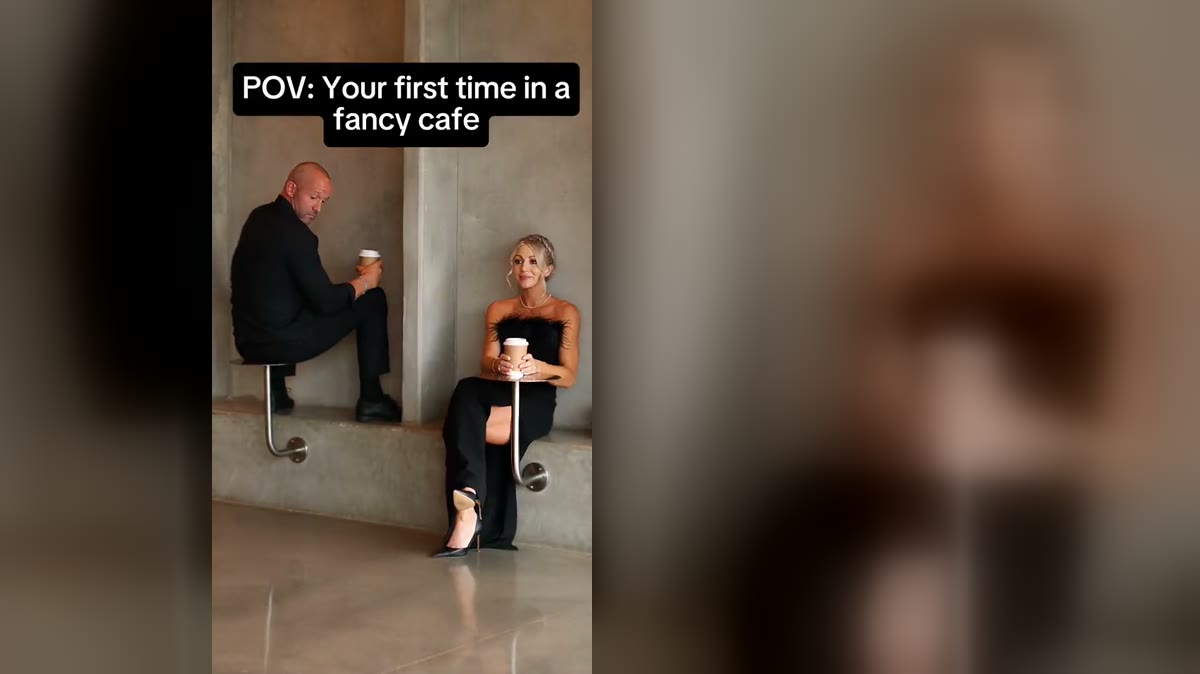
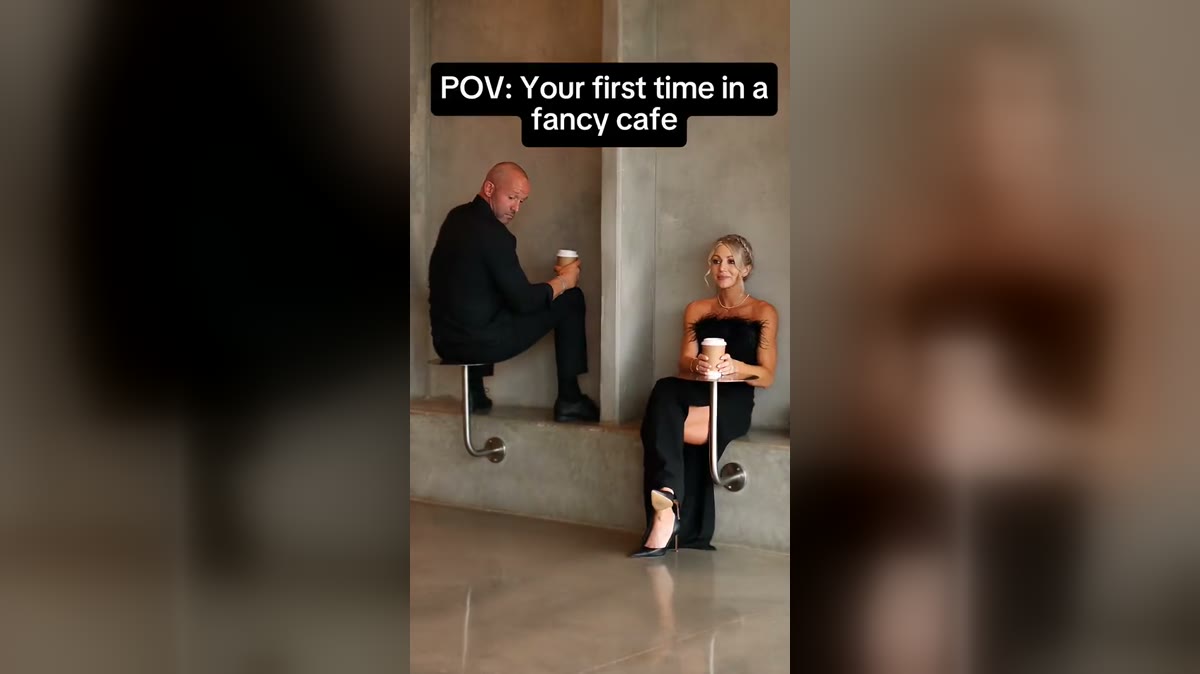
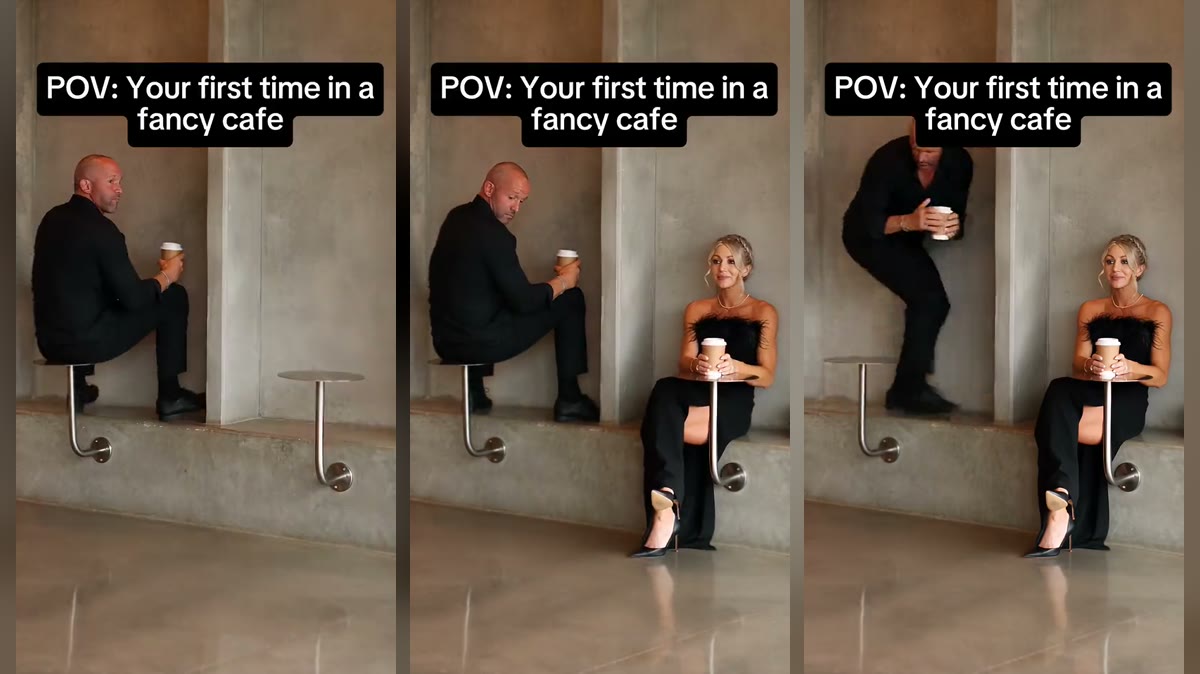
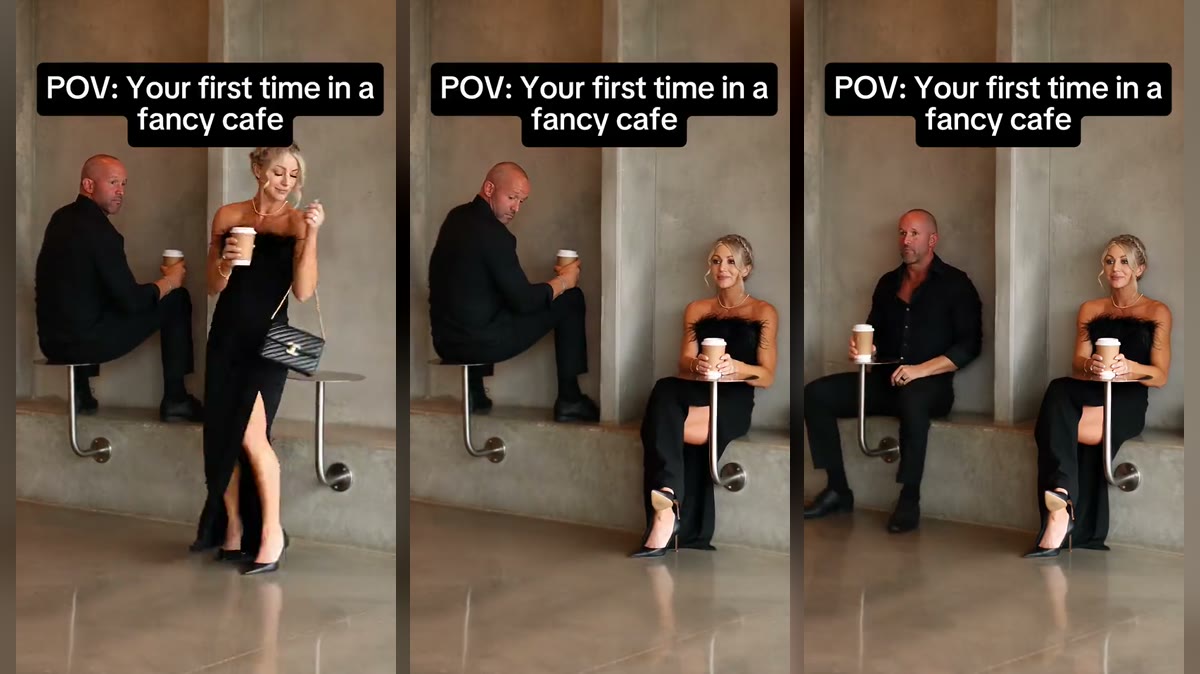
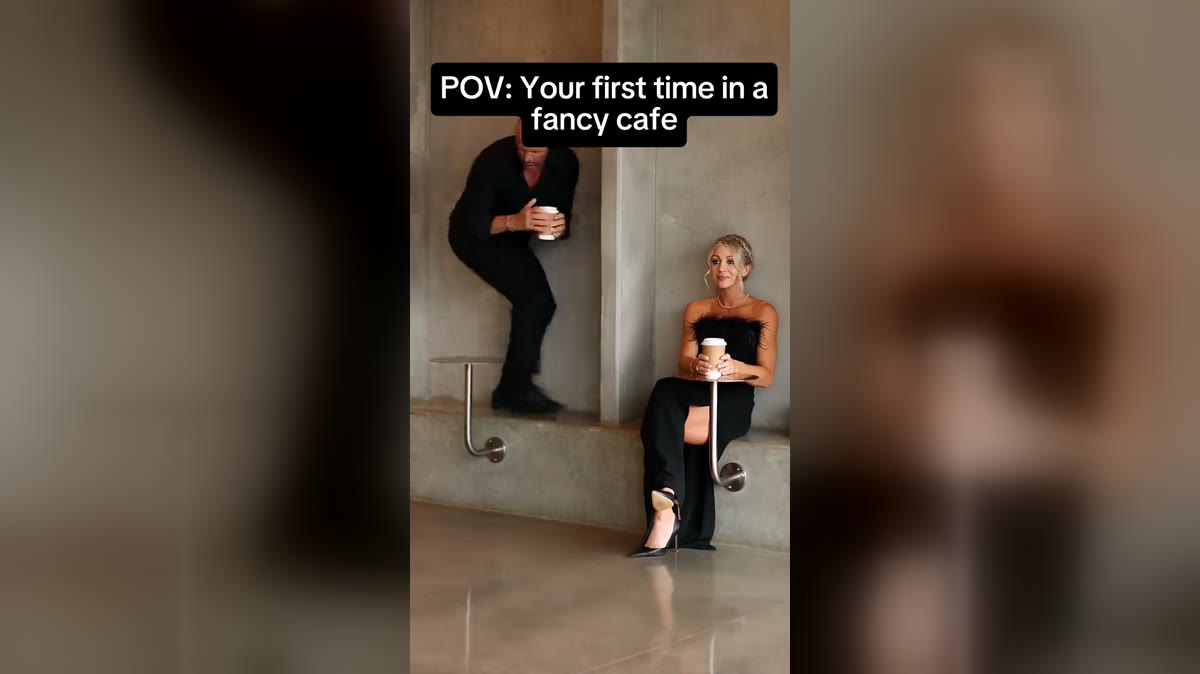
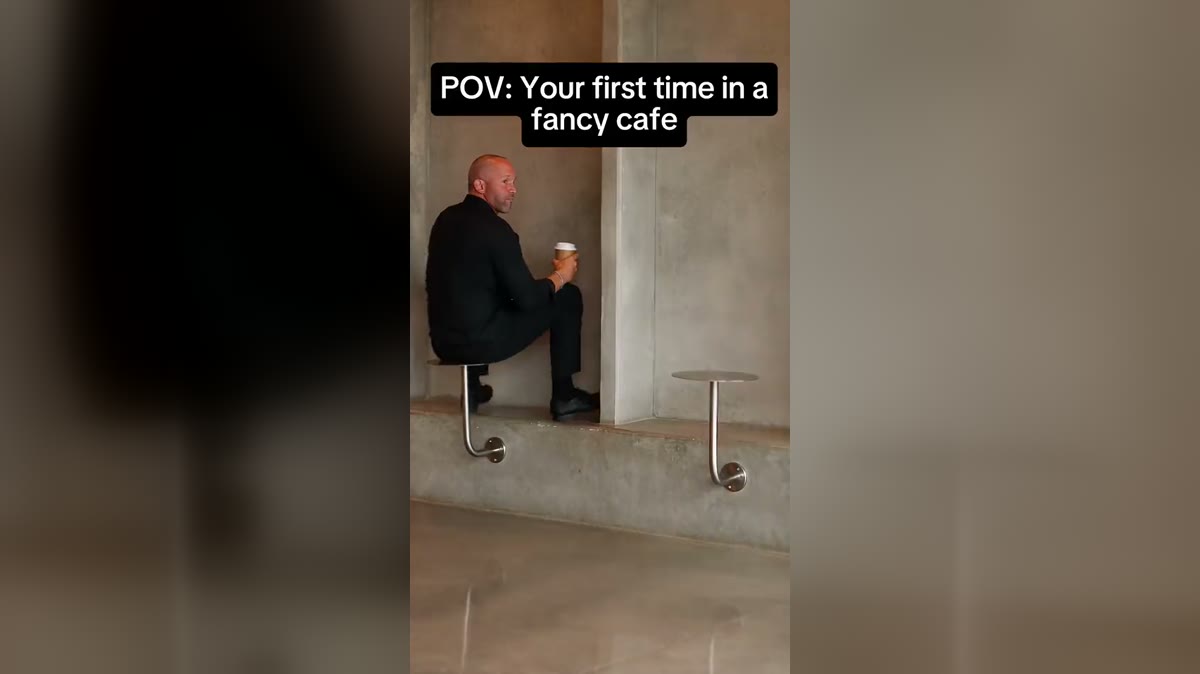
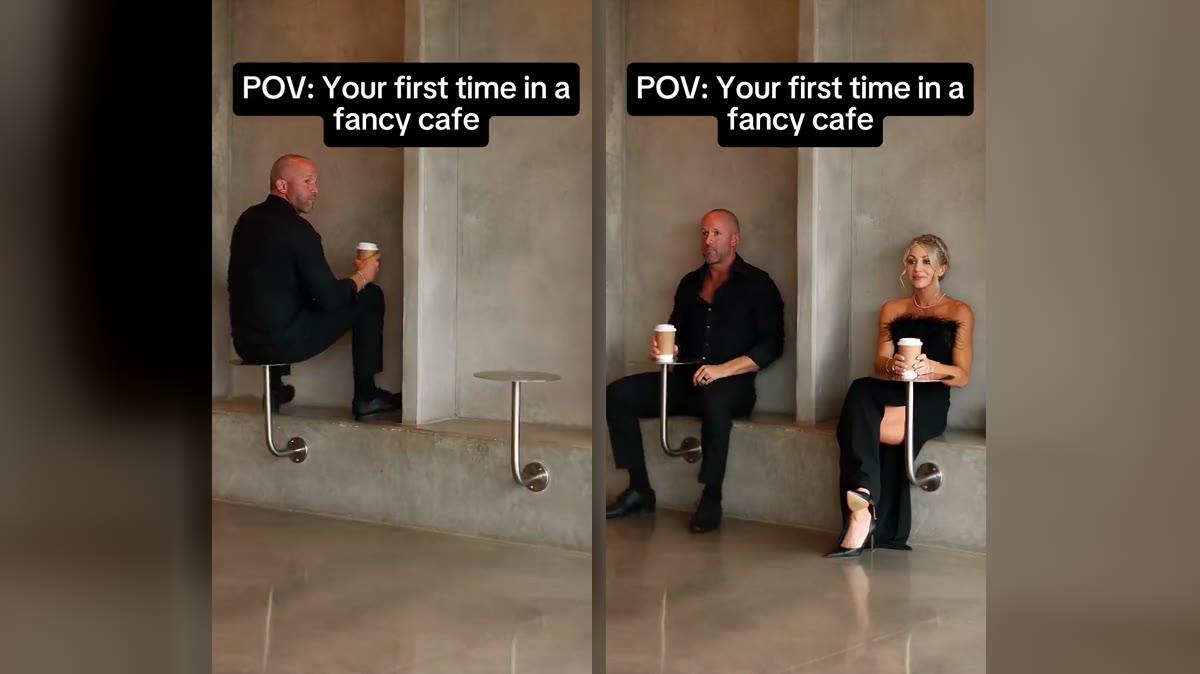
Within three days of the fancy cafe meme going viral, a dozen sites were offering to make it for you. They all promise the same thing, your face in the “POV: Your first time in a fancy cafe” clip, but they differ in how many people you can swap, how close they stay to the original and how they charge. Here is what to look for, and how the options compare on what they say about themselves.
What makes a good fancy cafe AI video generator
- It keeps the original scene. Same concrete cafe, same round wall tables, same single shot. Tools that generate a new cafe from scratch lose the joke.
- It keeps the timing. The sit, the walk-in, the reveal and the climb down at about 10 seconds.
- It lets you pick the seat. Table sitter, the one who knows, or both.
- Vertical output with sound. 9:16, ready for TikTok and Reels, with the original audio.
- Clear pricing and no surprise watermark.
- A consent rule. Tools that let you upload anyone’s face are how the meme got its AI slop reputation.
How the options compare
| Tool | Photos | What it says it does |
|---|---|---|
| Your First Time in a Fancy Cafe AI (this site) | 1 or 2, either seat | Recreates the original 15 s clip with your face on the table sitter, the one who knows, or both; original sound and caption; up to 1080p; 100 credits at Standard (480p) or 200 at HD (720p) or 600 at Full HD (1080p); packs from $9.90, no subscription, no watermark |
| Media.io | 1 | Upload a photo to recreate the POV meme of sitting on the table |
| Popliqo | 1 | Upload one clear photo and sit yourself on the tiny wall table until you climb down, in a 15-second video |
| Vismuse | 2 | A two-photo version: one guest mistakes a wall table for a seat, the other reveals the joke |
| SuperMaker AI | 1 | Turns your photo into an awkward cafe comedy scene |
| Viberot | 1 | Make the trend from one photo |
Descriptions for other tools come from their own pages as of 4 November 2026; check their sites for current prices and limits.
General AI video apps
You can also do it by hand in a general AI video app that can replace a character in a video: download the original, upload it with your photo, and write a prompt describing which person to replace. It takes more trial and error, especially keeping the timing, the caption and the second person intact, and you pay for every attempt. A dedicated tool has done that work already.
Which should you use?
If you only want yourself on the table, any of the one-photo tools will do. If you want to choose your seat, cast a friend in the other one, and keep the original sound and caption, that is what this site was built for. Try it in the studio, or see whether fancy cafe AI is free first.