How to make a First Time in a Fancy Cafe AI video from one photo
Step-by-step: make your own “POV: Your first time in a fancy cafe” AI video. Pick a seat, add a photo (or two), choose a quality and download a vertical MP4 with the original sound.
By Your First Time in a Fancy Cafe AI · Updated · 4 min read
You do not need to find a concrete cafe with wall-mounted tables, a black gown or a camera operator. To make your own First Time in a Fancy Cafe AI video you need one good photo, a couple of minutes, and an idea of which seat you want. Here is the whole process, plus the photo tips that make the difference between a great swap and a retake.
Before you start: pick your seat
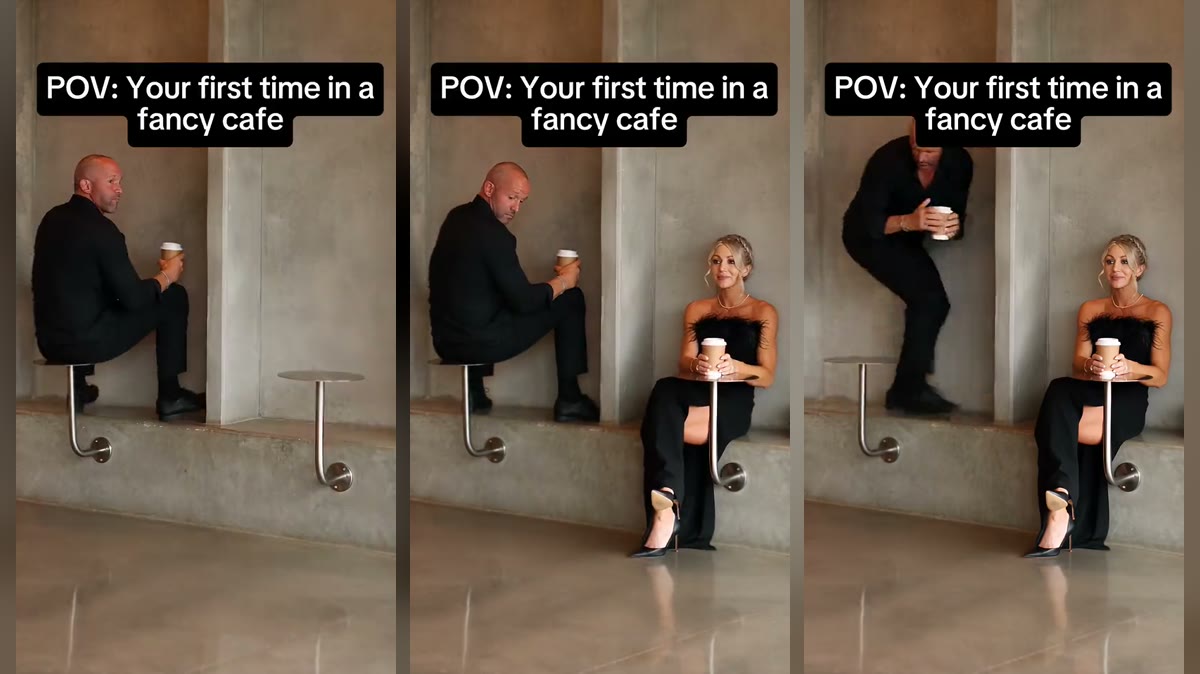
The clip has two people, and you can replace either or both:
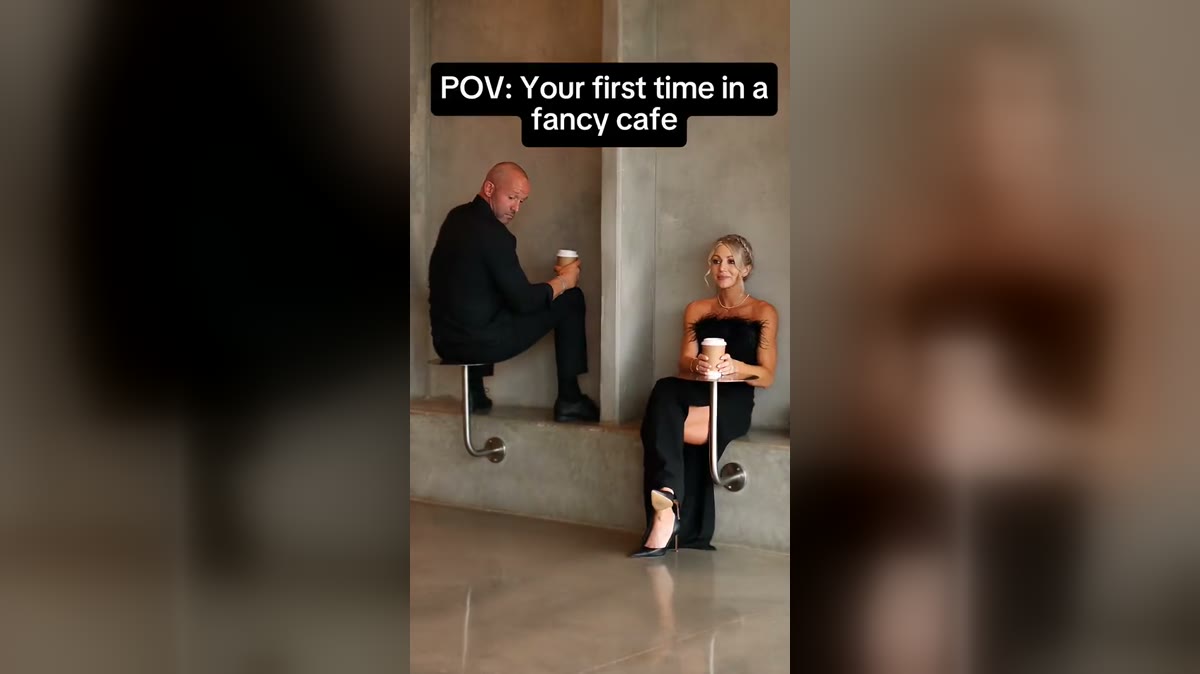
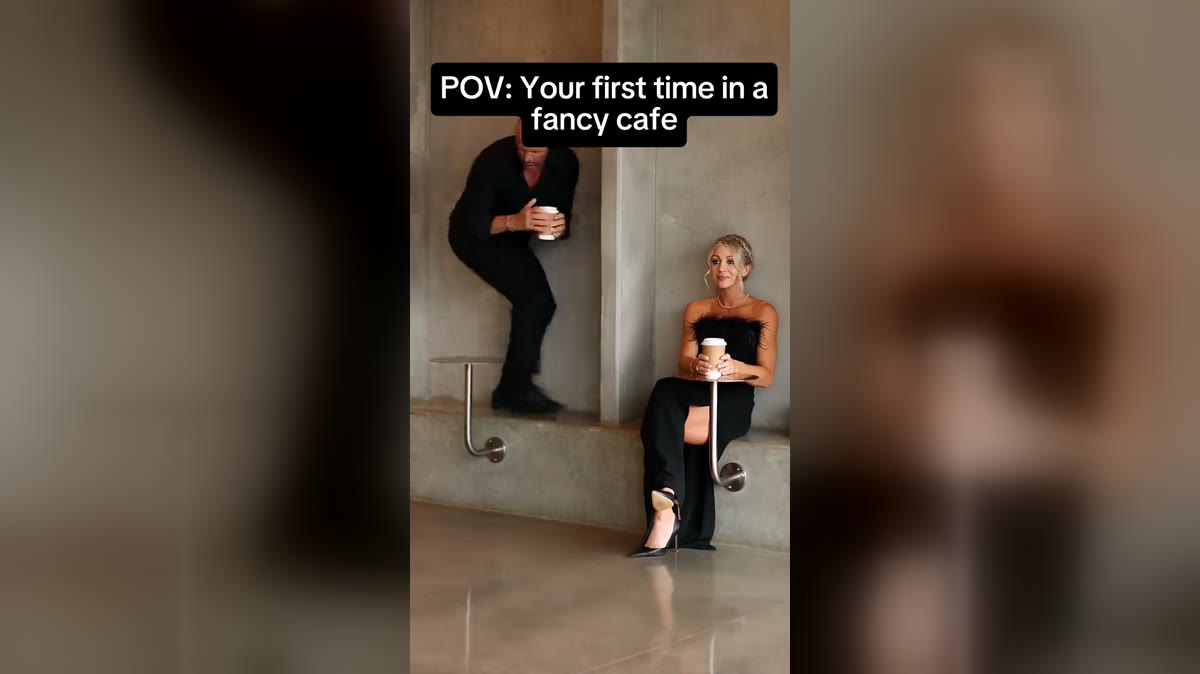
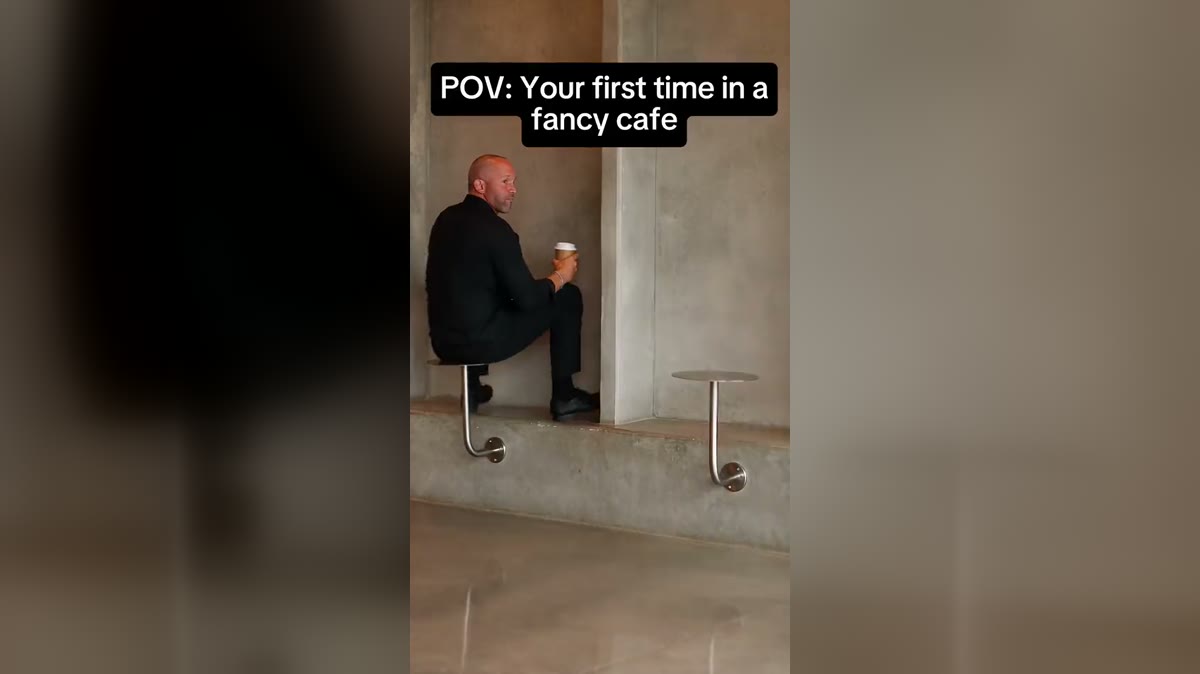
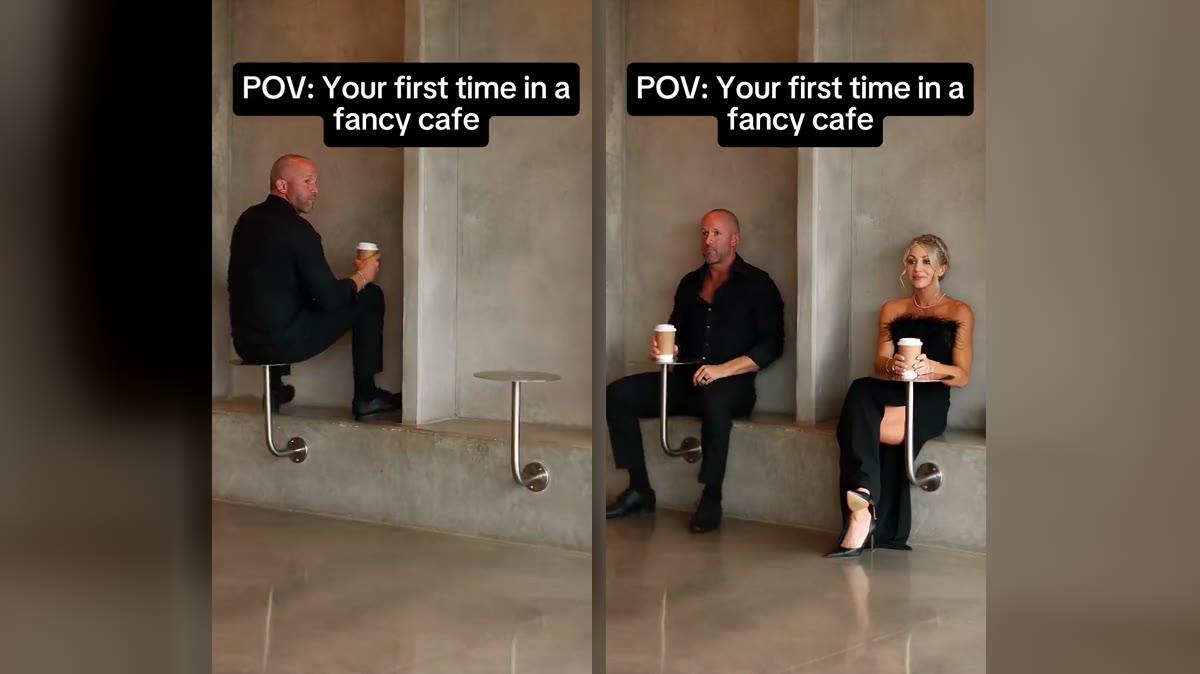
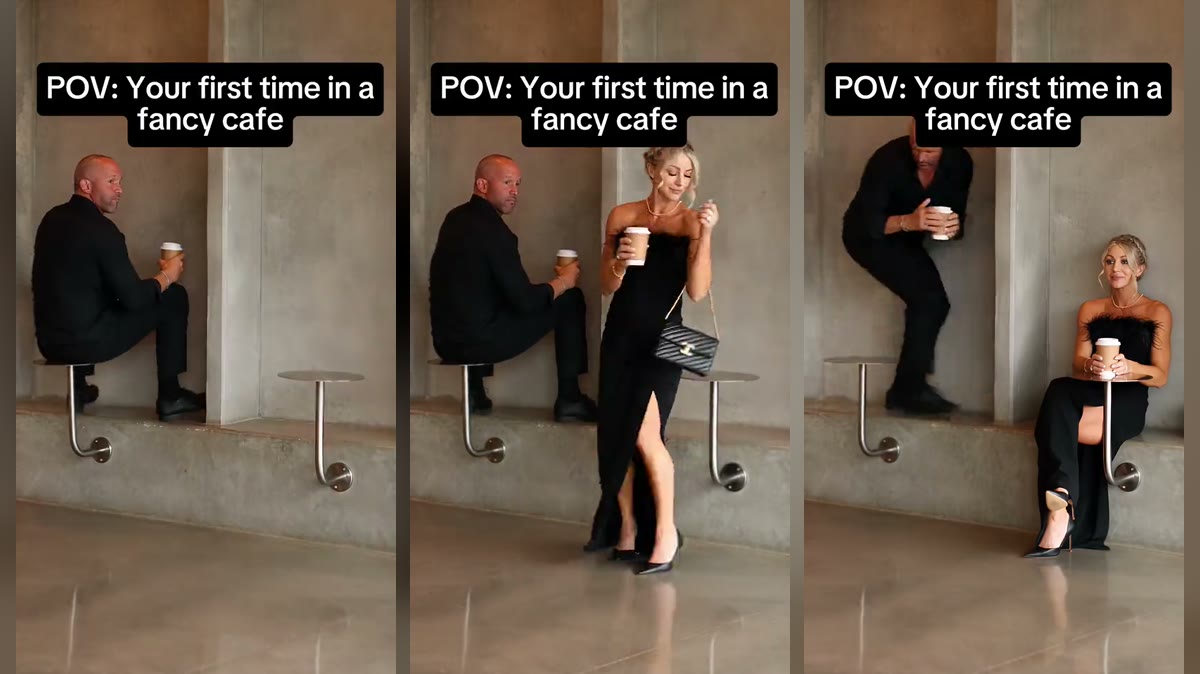
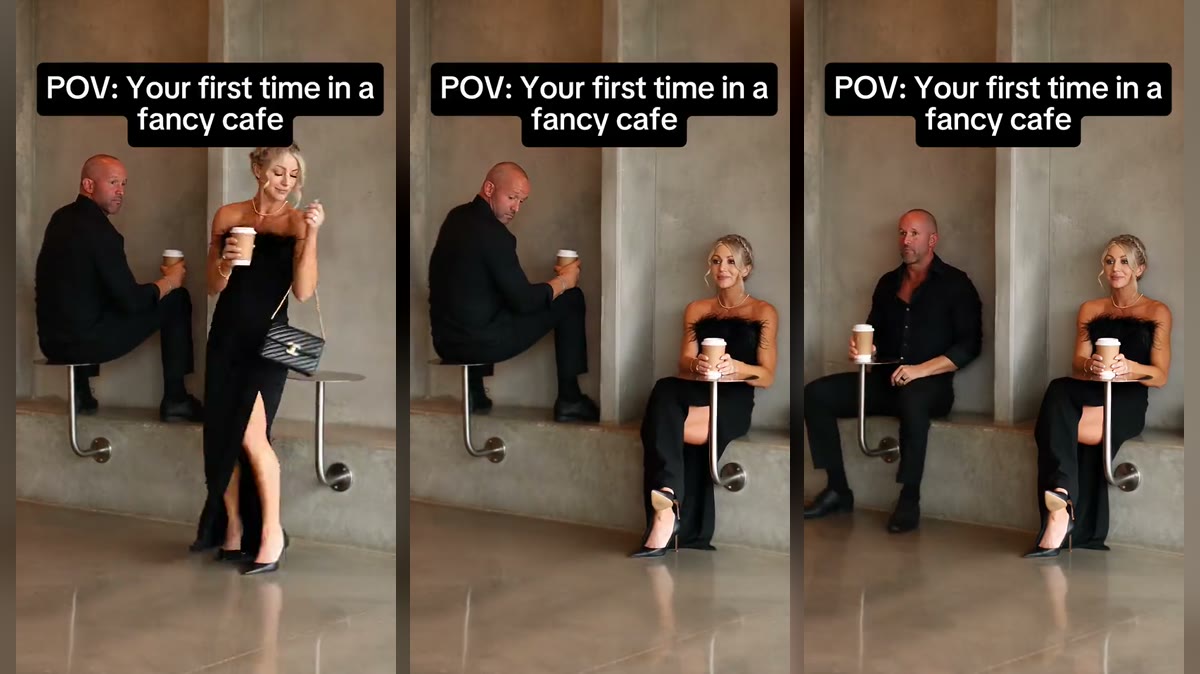
- The table sitter is on screen for all 15 seconds, makes the mistake and does the awkward climb down. This is the comedy seat.
- The one who knows walks in at about two seconds, sits on the bench and calmly uses the table as a table. This is the cool seat.
Most people cast themselves as the table sitter and a friend, partner or coworker as the one who knows. If you only fill one seat, the other person stays from the original clip.
Step by step
- Open the studio and sign in. Go to the studio on the home page and sign in with Google. Nothing to install; it works on a phone.
- Add your photo. Tap the seat you want and pick a photo. Your browser shrinks it and strips its location data before it is uploaded.
- Add a second photo (optional). Fill the other seat for a two-person version. It costs the same.
- Pick a quality. 100 credits at Standard (480p) or 200 at HD (720p) or 600 at Full HD (1080p). 720p is the sweet spot for TikTok and Reels.
- Press Generate. The clip, its caption and its sound are already loaded, so there is no prompt to write. Rendering usually takes a few minutes; you can close the tab.
- Download. Your video appears under “My videos” as a vertical 9:16 MP4 with sound. It stays there for 14 days.
Photos that work
- One person per photo. In a group shot the AI may pick the wrong face.
- Facing the camera, head and shoulders in frame, eyes visible.
- Even daylight or soft indoor light. No sunglasses, heavy filters or extreme angles.
- Portrait or square, at least 341 pixels on the short side.
- Only adults who agreed to appear. No celebrities, public figures or minors.
If the result is not right
- The face does not look like you: try a sharper, more front-on photo with your hair away from your face.
- The wrong person was replaced: check you put the photo in the right seat. The table sitter is the man on the table; the one who knows is the woman who walks in.
- The video failed: your credits come back automatically. A different photo usually fixes it.
Then post it
Keep the caption and the sound: they are what make people recognise the meme. Our posting guide covers captions, hashtags and the AI label, and the template guide covers casting in more detail.