How to post your fancy cafe meme on TikTok, Reels and Shorts
A posting checklist for your “POV: Your first time in a fancy cafe” video: keep it vertical, sort out the fancy cafe meme song, write the caption, pick hashtags, add the AI label, and make a GIF.
By Your First Time in a Fancy Cafe AI · Updated · 4 min read
You have your fancy cafe video. Now make sure people recognise it in the first second, the sound plays, and the platform does not bury it. Here is a short checklist for TikTok, Instagram Reels and YouTube Shorts.
1. Keep it vertical and full length
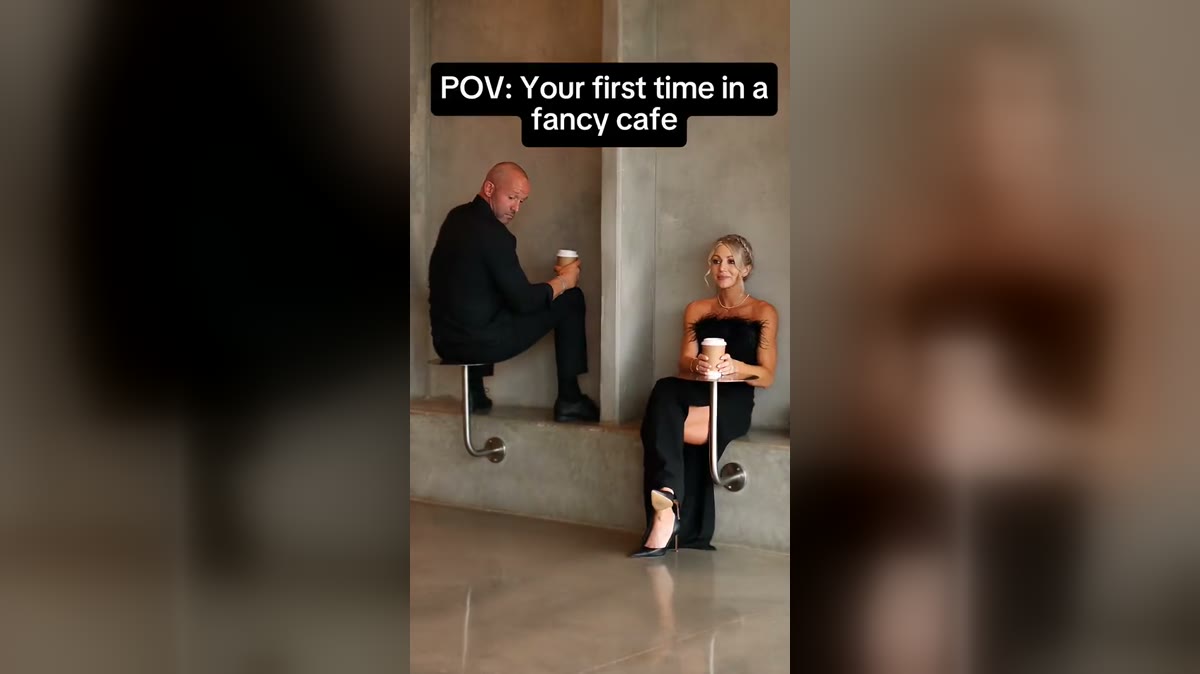
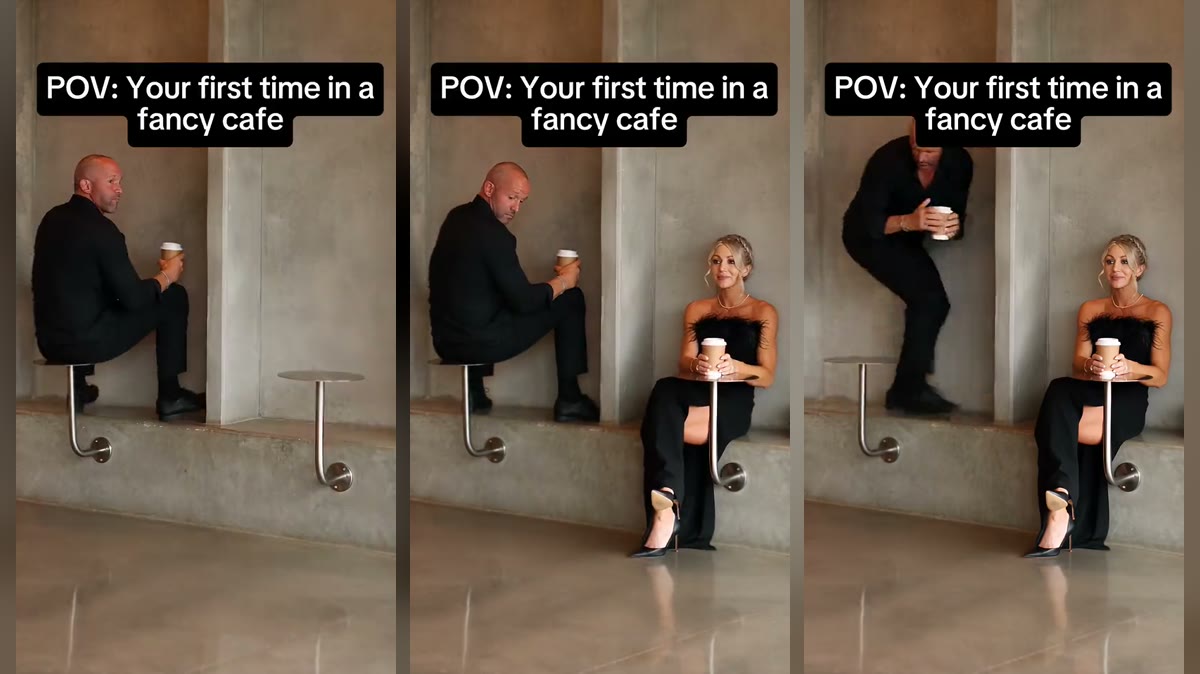
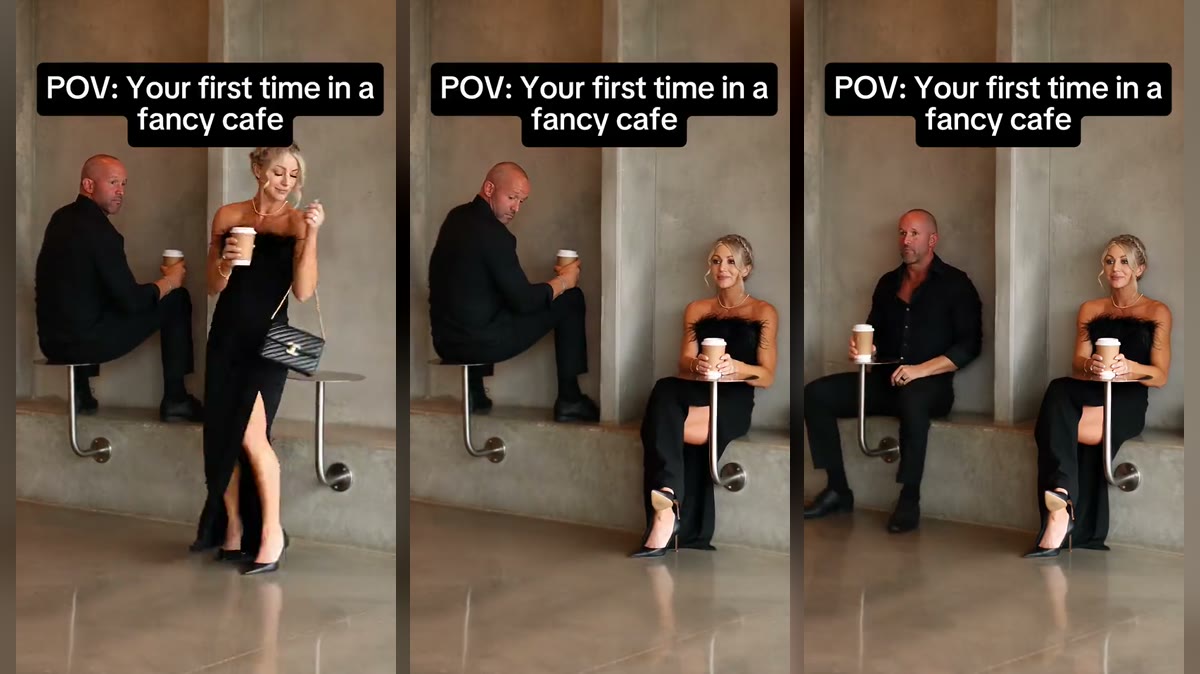
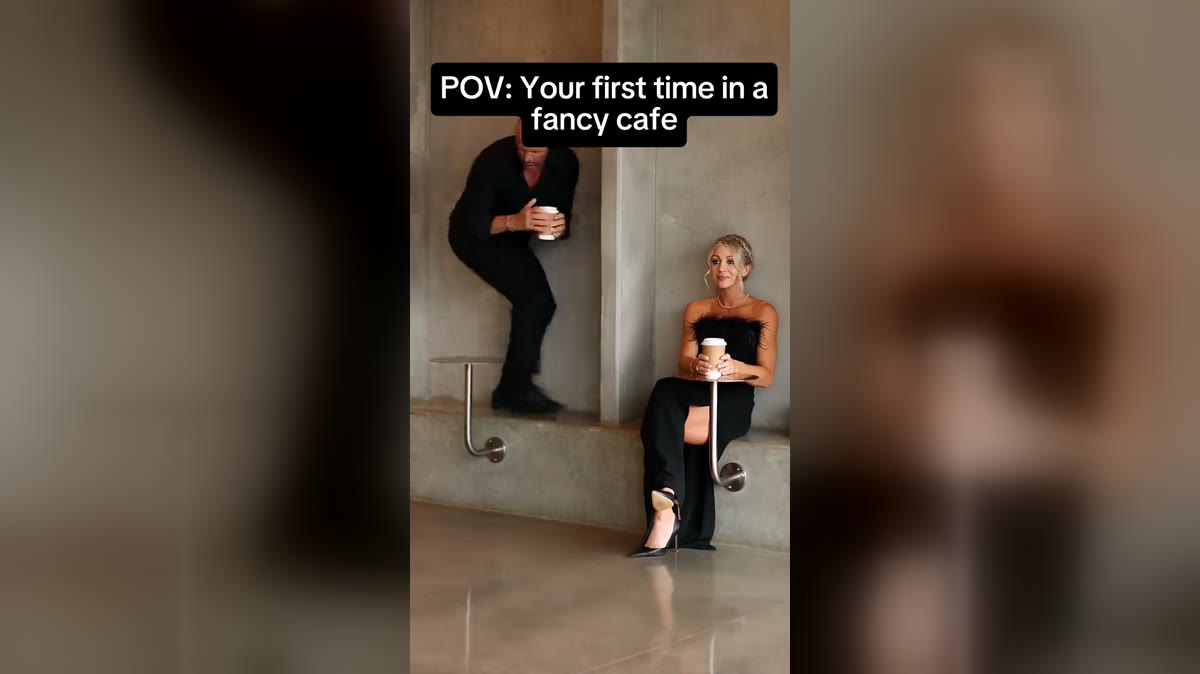
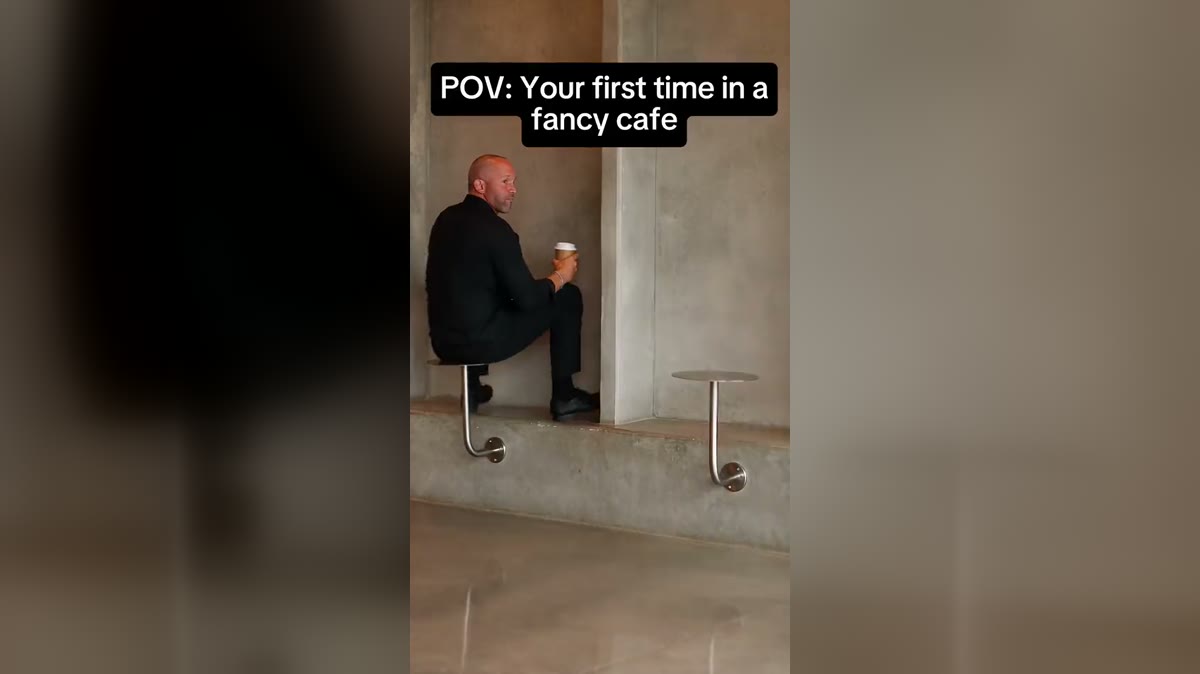
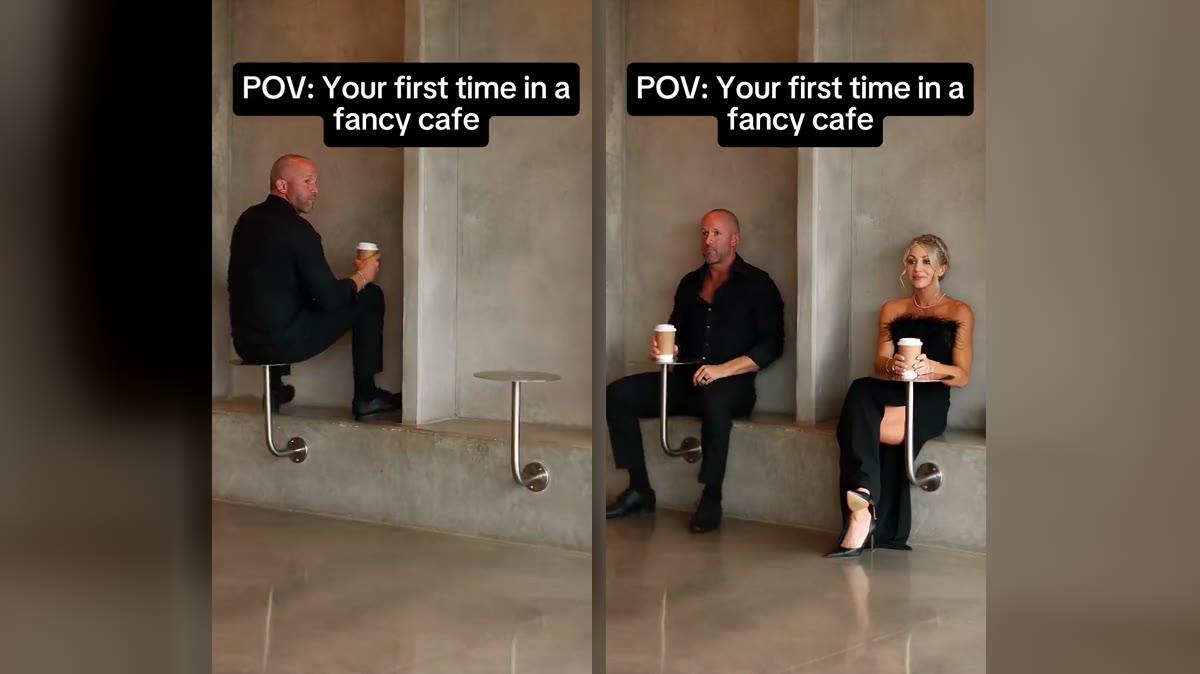
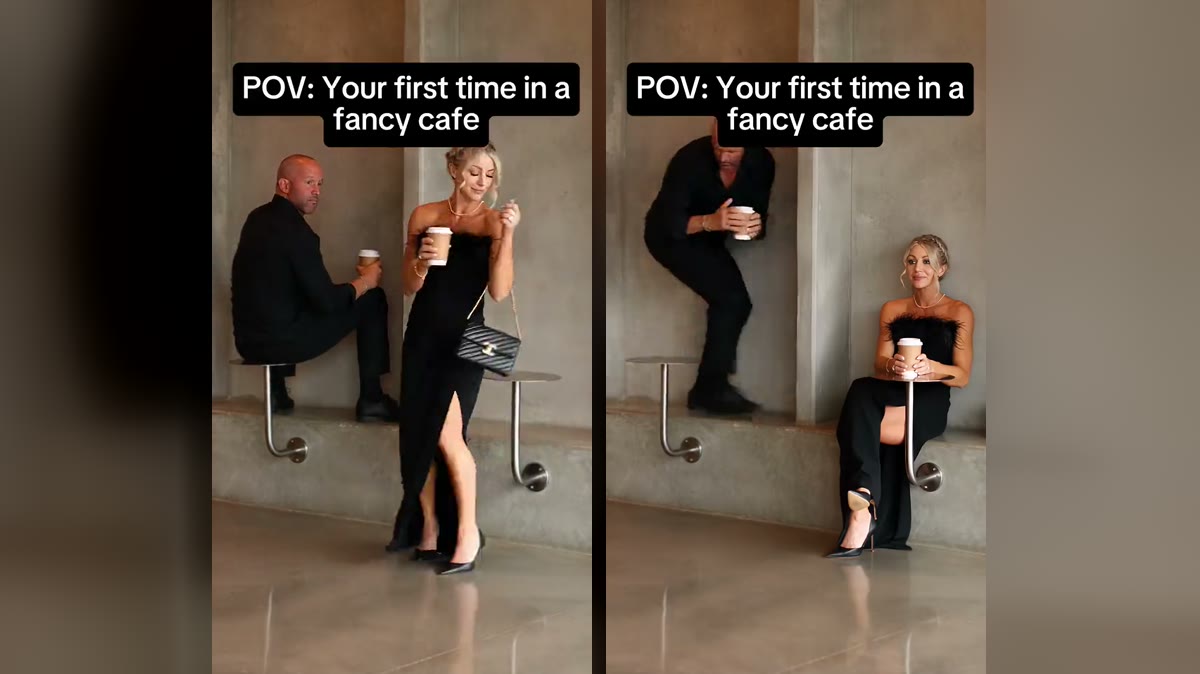
The video comes out as a 9:16 MP4, exactly the shape of the original. Do not crop it or trim the start: the first second, with the table sitter already perched on the table, is what tells people which meme this is. The payoff is the climb down at about ten seconds, so do not cut it short either.
2. Sort out the sound
Your download already has the original sound. If a platform mutes it, or you want your video listed under the trend’s sound page, add the sound from the app’s own library: search for the fancy cafe trend or for “Oh Yeah?” by Steve Lacy, which Know Your Meme lists as the original’s audio, and set the original volume to zero. Library sounds are licensed for use on that platform.
3. Write the post caption
The “POV: Your first time in a fancy cafe” caption is already burned into the video, so use the post text for your twist. Name the table sitter. Some that work:
- “Took my husband somewhere nice. Never again.”
- “In my defence it looked like a stool”
- “First day at the new office be like”
- “Tag the friend who would sit on the table”
More pairings and captions in fancy cafe meme ideas.
4. Hashtags
Keep it to a handful that people actually search: #fancycafe, #firsttimeinafancycafe, #povmeme, #fancycafememe and #aivideo. Crediting the original creator, @leehoustonx, is good manners too.
5. Turn on the AI label
TikTok, Instagram and YouTube all ask you to label realistic AI-generated video. Turn the label on when you post. It costs you nothing with a meme everyone knows is AI, and it keeps your account in good standing.
6. Want a GIF?
For group chats, a GIF of the climb down (from about 10 to 13 seconds) works on its own. Most phone editors and GIF apps can cut one from your MP4; GIFs have no sound, so the climb down has to carry it.
7. Only post people who said yes
Everyone in your video should know about it and be happy to be in it, especially if it is going public. That is the line between a fun remake and AI slop.
Do not have your video yet? Make it in the studio or follow the step-by-step guide.